
for creators
Your fans beside you, and you get paid
You dance your routine once yourself. Then it is in the app, with your name on it. Your fans dance it beside you on stage, at home and on the TV. For every member who comes through you, you get 30 percent of the revenue for the whole first year.
what you earn
How you earn
30percent
Your fans. 30 percent of the revenue from every member who comes through you, for the whole first year. Then 15 percent, for as long as that fan stays a member.
15percent
The pool. 15 percent of every membership goes into a pool. It is shared among the makers by the number of minutes danced to their dances. Members who did not come through you count too.
10percent
Your makers. Bring in another maker and you get 10 percent of what she earns, for twelve months. Out of our share, never out of hers.
These percentages never go down.
work it out
What does it mean for you?
About €10 per fan in your first year and €5 a year after that, for as long as that fan stays a member. Your share of the pool comes on top. This is your own math, not a promise.

your name
Your choreo, your name, your fans beside it
Your name is on every dance you release, so every fan who dances it sees whose it is. They come in through your link and your dance code, and that counts for you.
- Credit in the app on every dance you release.
- Your dance code shows who dances along through you, and who becomes a member through you.
- Credit travels with it because the caption on every share says: choreo by @you.
reach
Every fan is a new post
Fans who dance next to you want to show it. Every shared take is a new post starring your choreo.
- One-tap sharing to TikTok, Instagram and WhatsApp.
- Repost your favorite takes on your own channel, and the next group of fans wants in.
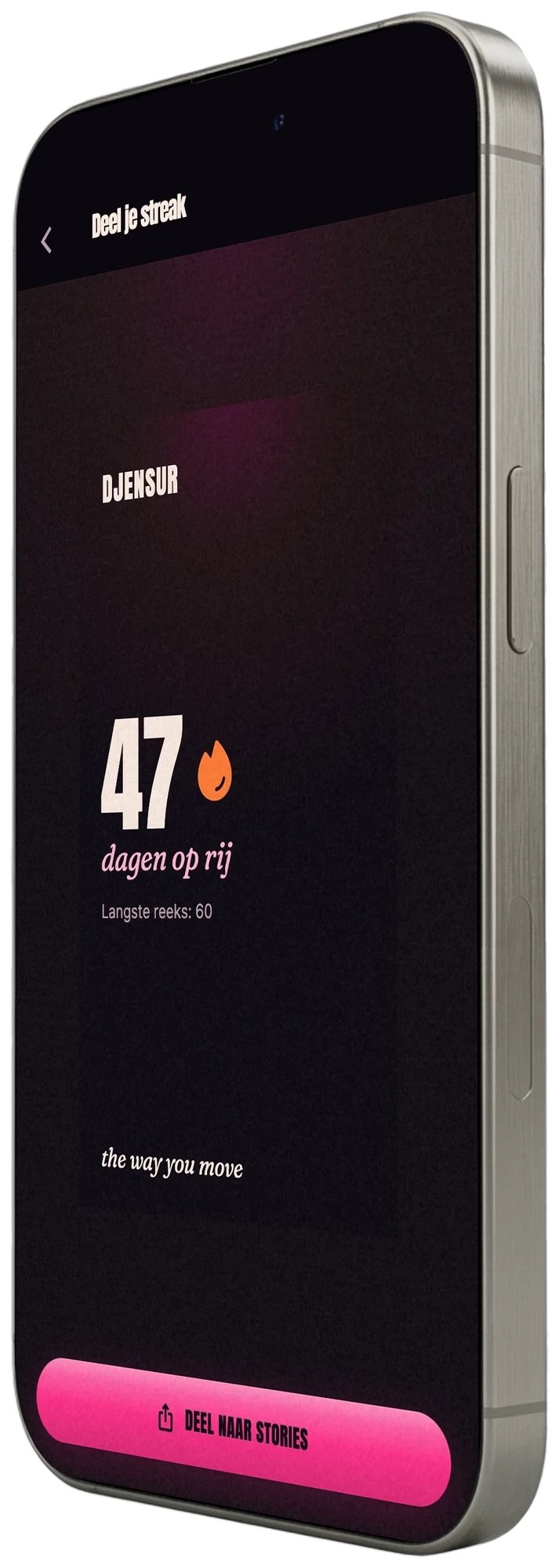
- Fans keep dancing because streaks reward practicing every day, and every paid month counts for you.

quality
Work you put your name on
Soft film edges and a stage that glows. Your choreo looks exactly the way you meant it.
- Thirteen stages from theater to neon studio.
- Soft film edges that put your dancer in the light.
- Big screens for demos, workshops and events.
maker program
How you get on the stage
As a maker you get your own spot in Djensur: a dashboard with your own link, your credits and who dances along through you. You sign up in the app, without waiting for an email from us. You get paid to your own account every month, once you have earned at least €25. Payouts start at age 18.
Become a creator in the app
In the app, tap the gear, then “Creator dashboard” and “Become a creator”. Pick TikTok or YouTube and enter your username.
Put the code in your bio for a moment
You get a code like djensur-7K3P. Put it in your bio or in the description of one video and tap “Check”. After that you can take it out again.
Dance your routine yourself and release it
You dance it once on the stage and switch on “Everyone can dance it”. From then on it is in the app with your name and a dance code.
Share your link and your dance code
Your fans type in the dance code, even without an account, and stand beside you. Every month your panel shows who dances through you and who became a member.
Only on Instagram?
We cannot check Instagram automatically. Send a screenshot of your bio with your Djensur name to and we will link your account for you.
what you get
- The whole app, for as long as you are a maker.
- Your maker panel: who dances, who became a member, what you earned.
- The founding badge if you are among the first hundred.
the rules
Your own music or music you are allowed to use. You handle your own taxes. Only paid months count: a fan who is still on their first dance or in their free week does not count yet. Never money for a sign-up, only for members who stay. The percentages never go down; if anything else changes, you hear about it fifteen days in advance.
Put your routine on stage
Get Djensur, become a maker in the app, and your first fans stand beside you tonight.


On Android, Djensur looks best on a phone from 2023 or newer. On an older phone your image lags a little, and the app simply tells you so.
Count me in