
for dance studios
Class continues at home
What you teach on Friday, your students practice on Saturday in the living room. Next to your demo, on your choreo, ready for the next class.
You do it yourself in the app, in about ten minutes. You can always ask for a demo, but you do not need one.
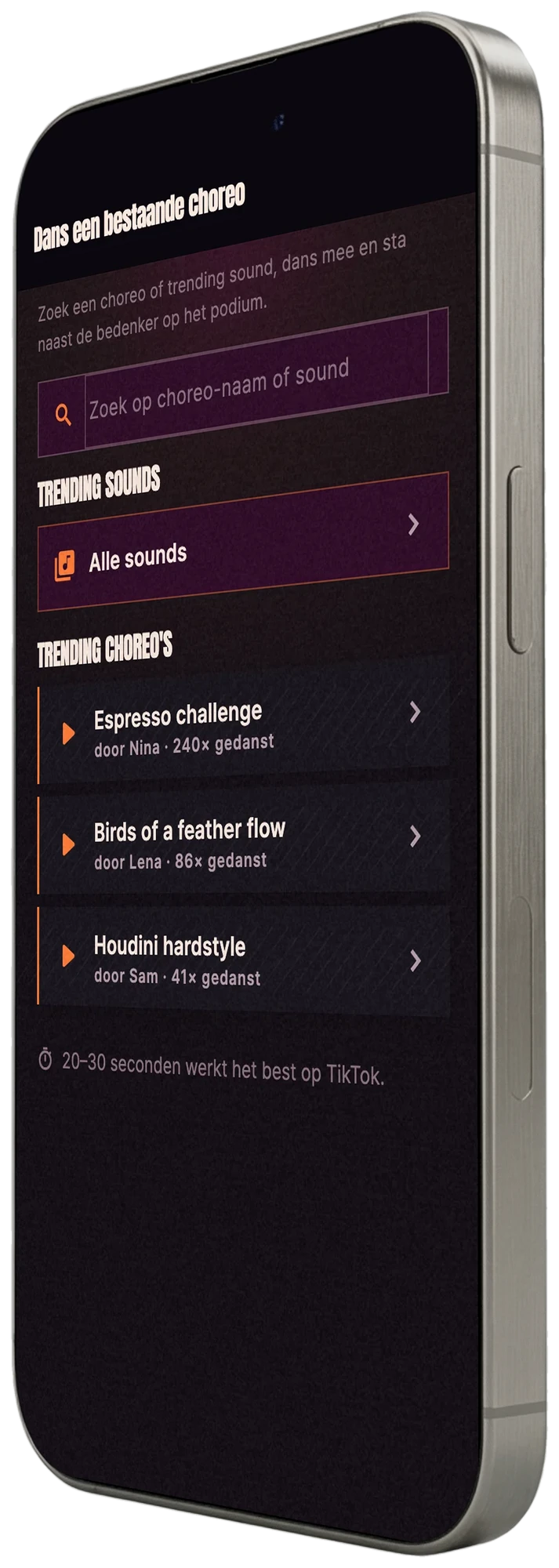
homework
Homework they look forward to
Practicing next to the teacher on a stage is contagious. Whoever dances a little every day at home walks into Friday prepared, and streaks keep that rhythm going.
- Streaks keep the choreo warm between two classes.
- Your demo as homework and your students dance next to it at home.
- AB-loop on the eight counts they are nailing right now.
safe
Safe for your students
A student's live camera feed is processed on their own device. Nothing goes online unless a dancer shares or publishes it themselves, and that is never a requirement.
- On-device processing means the live camera feed never gets uploaded.
- A positive community that is dance-only, with clear house rules.
- Sharing is a choice made by the dancer, never a requirement.
on open day
Parents see it right away
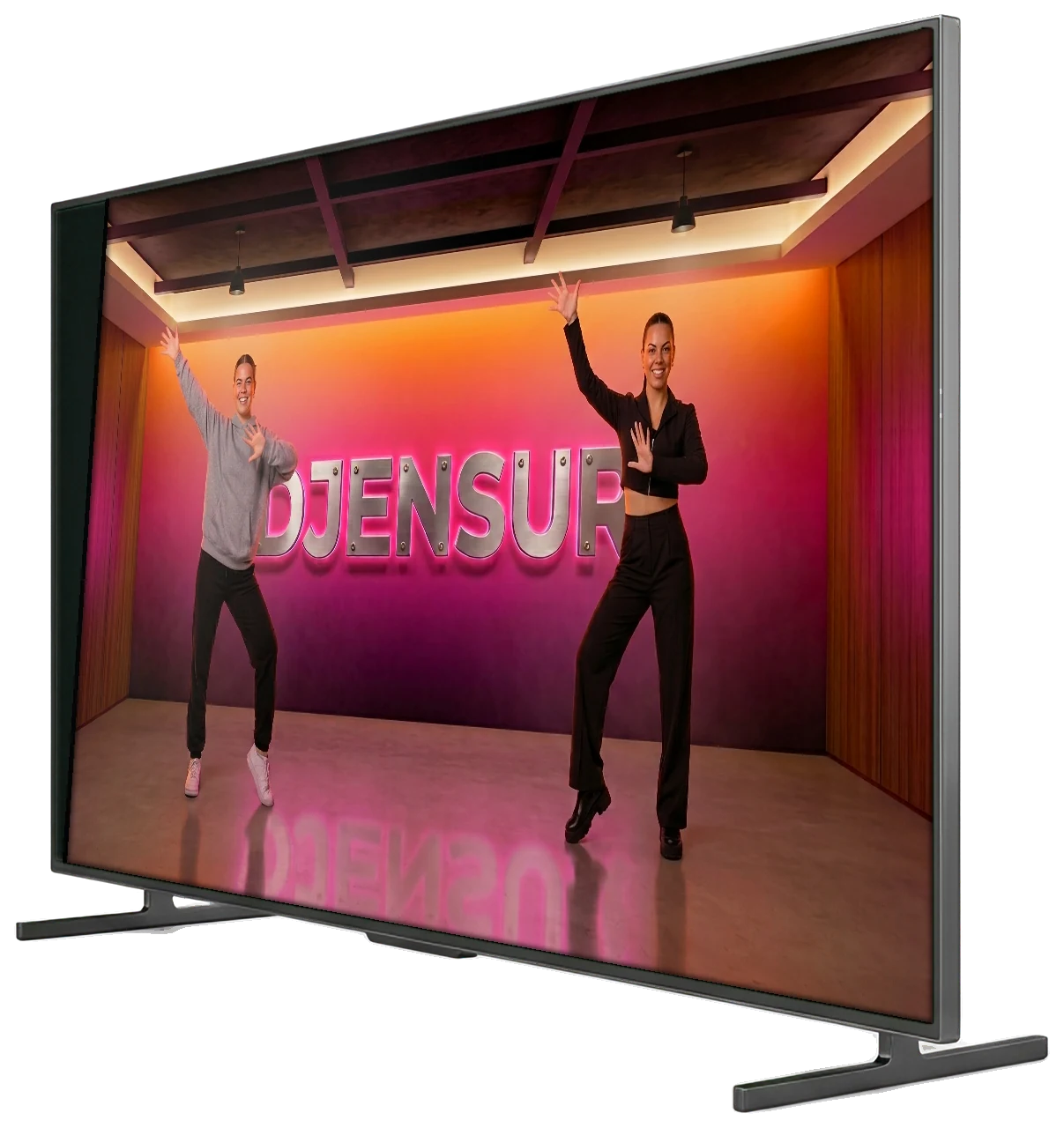
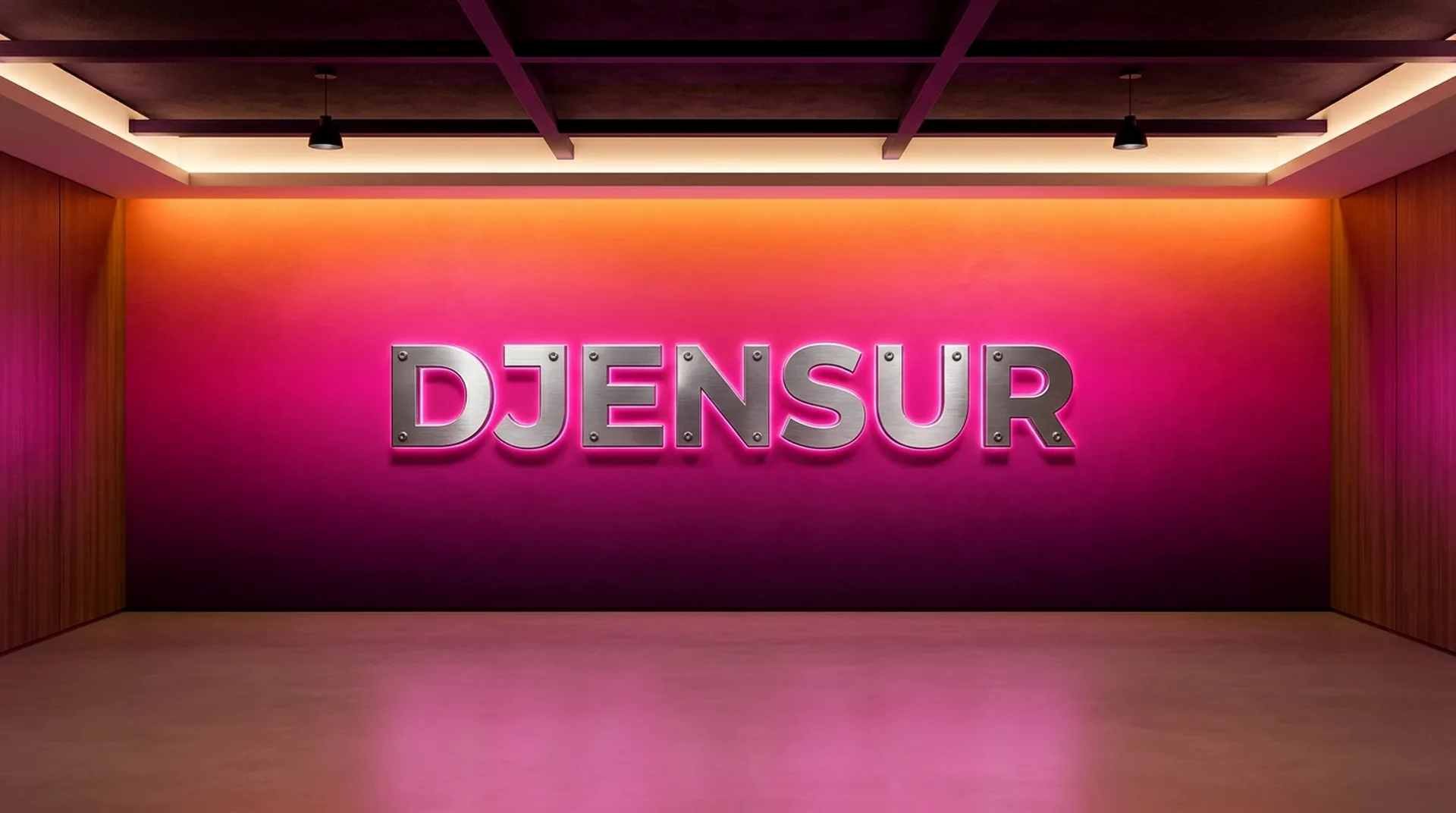
Put Djensur on the TV in your studio on open day. Parents see their kid next to you on a stage, and immediately understand how homework works at home: the same dance, the same app, in the living room.
- On the TV with one cable, and your phone as the remote.
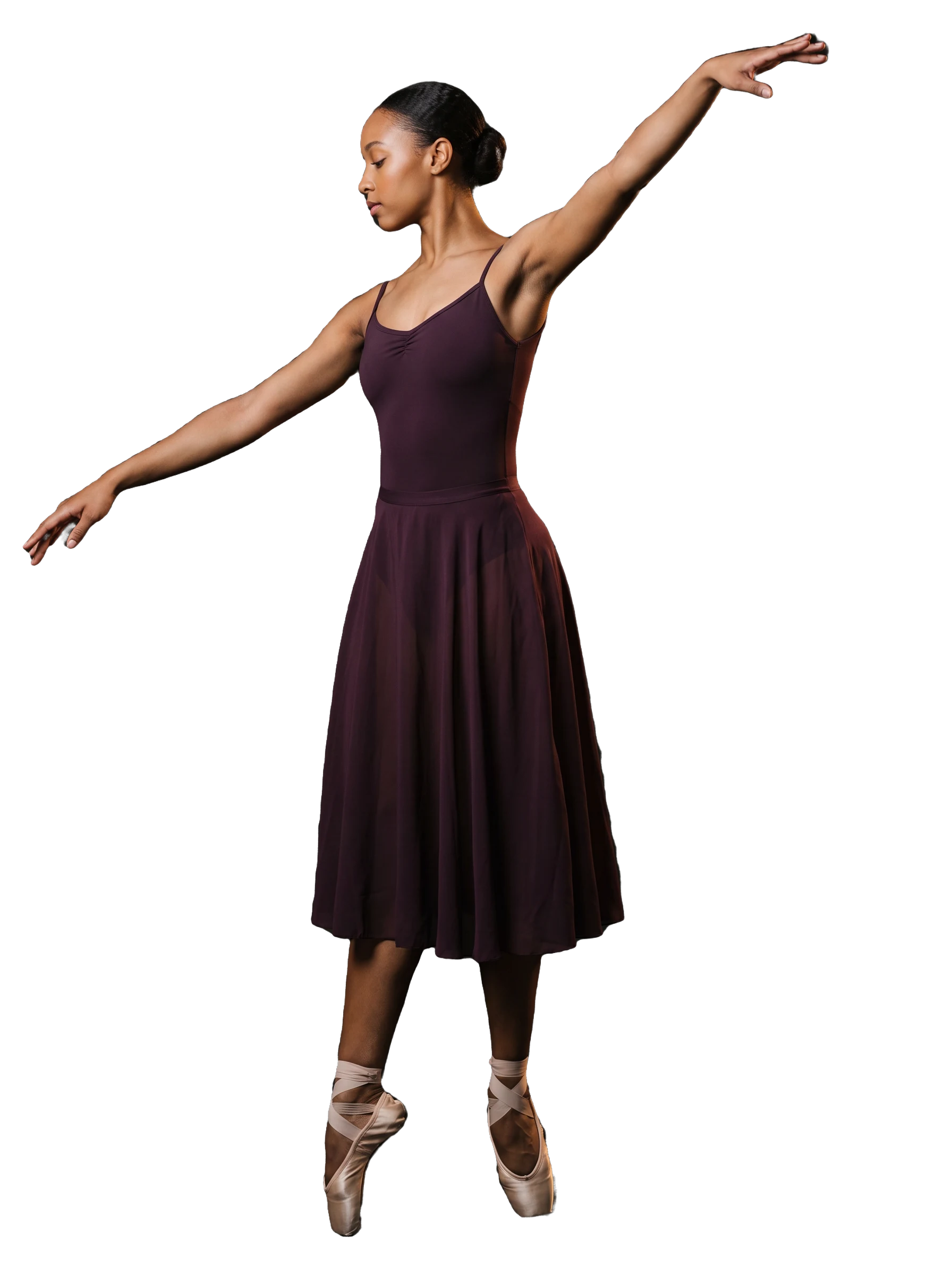
- Their kid next to you on a stage with lights, cut out live from the studio.
- Exactly the same at home on the couch or in front of their own TV, with your choreo.
what it costs
What does it cost for your school?
You pay per seat: a seat is a student who dances along this month. You add or remove seats whenever you want.
More than 300 seats? Email us at and we will sort it out together.
- 25 seats€25 a month€250 a year
- 50 seats€50 a month€500 a year
- 100 seats€100 a month€1,000 a year
Every seat €1.00 a month or €10 a year.
€1.00 a seat a month, excluding VAT
80 percent cheaper than a single membership (€10 a dancer a year versus €49.99)
Pay ten months, dance twelve: the year covers the summer.
You pay nothing the first month, and you need no card. Then you choose.
do it yourself
How to set up your school
Everything happens in the app. We send a code to the email address of your school, and whoever enters that code manages the school. Then you have a class code for your students and you set up your first homework.
what you need
- An iPhone with Djensur. Your students join on iPhone and Android.
- The email address of your school. For example info@yourschool.com, or the address on your website. That is where the code goes.
- Eighteen or older. You can manage a school from age 18.

Using Android, or does your school have no email address of its own? Fill in the form at the bottom and we will set up your school for you.
part 1 · register your school
Get Djensur and create an account
Download the app and sign in with Apple, Google or your email address.
Add your date of birth
Tap the gear at the top right. At the top, under Edit profile, you will find “Date of birth”. Already filled in? Then you are done with this step.
Register your school
In Settings, tap “More from Djensur” at the top, then “Dance school” and “Are you a teacher or owner? Register your school”. Enter the name, the website and the email address of your school and tap “Send me the code”.
Enter the code
Within a minute, an email from Djensur with a six-digit code lands in your school's inbox. Enter the code and tap “Confirm”. The code is valid for 24 hours.
Your school is ready
You will see your school's class code right away: six letters and digits. Tap “Open your dance school”.
part 2 · set up your first class
Create a class
Tap “New class”, give it a name and a style, and tap “Add class”.
Upload your dance
Film yourself dancing the choreo solo, head to toe in frame. Open the class and tap the orange homework icon at the bottom left, then “Upload a new dance”. Pick your video and tap “Upload”. Keep the app open until your dance is ready, which takes about as long as the video.
Assign homework
Once your dance is ready, tap the orange icon in the class again, pick your dance and tap “Assign homework”. A short note is welcome. The homework shows up in the class chat.
Invite your students
Tap “Share invite” and send the class code around. Your students get the app and tap the gear, then “More from Djensur”, “Dance school” and “Join with a code”.
Accept them and put them in the class
Every request shows up under “Requests”: tap “Accept”. Then tap the name under “Manage students”, tick the class and tap “Save”. From then on the homework is waiting, and under “Who danced it” you see who practiced.
How the check works
We want to be sure you speak for the school. That is why the code goes to an address that belongs to the school: an address that ends in the name of your website, or an address that is literally on your website, even a Gmail address. The app checks this itself in a few seconds. Your students only get in once you accept them.
stuck somewhere?
- The app says managing a school is possible from 18.
- Then your date of birth has not been filled in yet. Add it in step 2 and try again.
- The app cannot link the address.
- Use the address of the school, or an address that is on your website. If you do not have one, let the owner do the registration.
- No mail arrives.
- Check your spam folder. Still nothing after a few minutes? Tap “Never mind” and request a new code.
- Adding a fellow teacher?
- Let your colleague join with the class code and tap “Accept”. Then tap the name under “Manage students” and choose “Make teacher”.
- From what age?
- Djensur is for students aged 13 and up.
the tv
One cable and the living room is the venue.
Connect your phone to the TV with a USB-C to HDMI cable and you dance on the big screen. Lightning to HDMI works just as well. Your phone doubles as camera and remote.
 live
live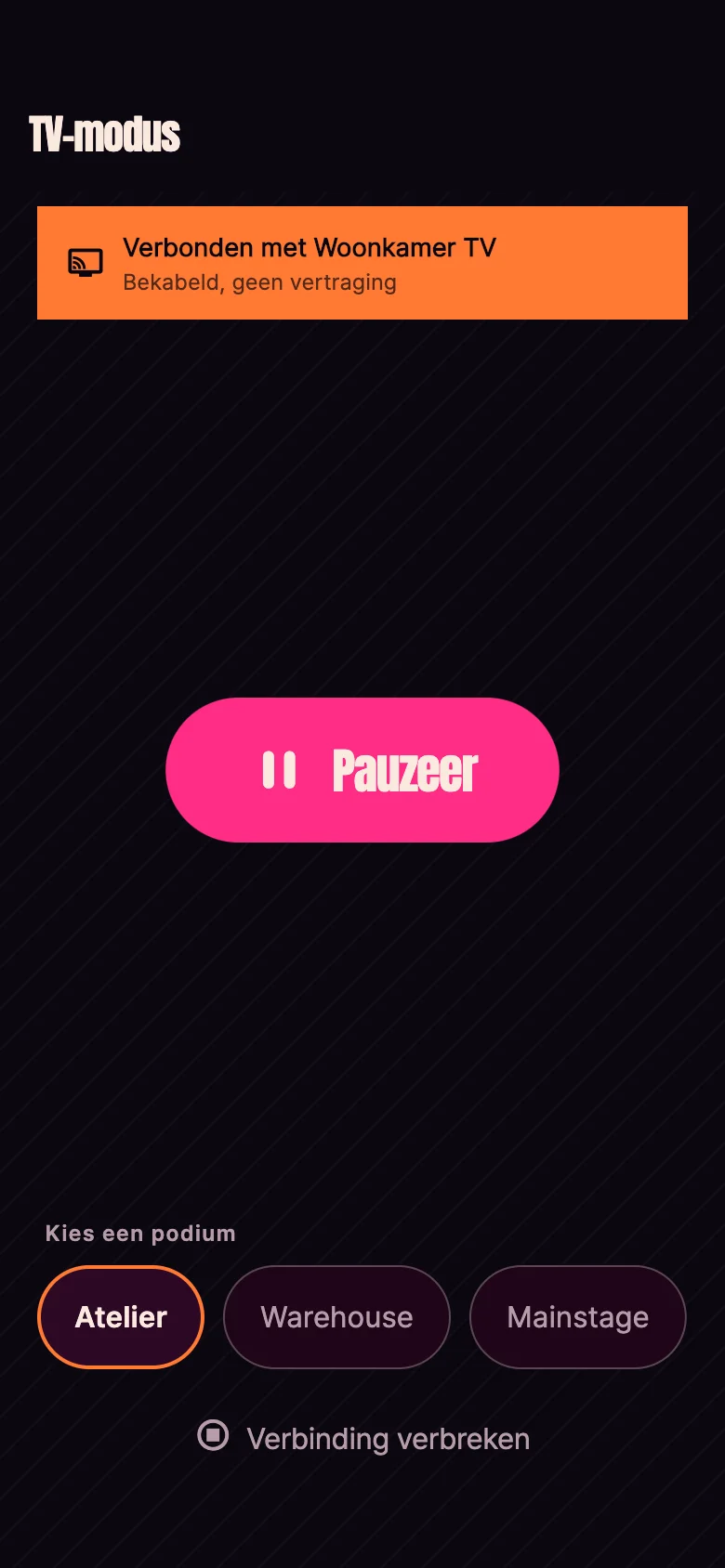
The cable to look for
Apple USB-C Digital AV Multiport Adapter, or a USB-C dock with an HDMI port. On a Lightning iPhone you grab the Apple Lightning Digital AV Adapter.
A USB-C to HDMI cable or a dock with DisplayPort Alt Mode. Many Android phones send their picture to the TV over USB-C this way.
one cable and you are on the big screen
living room, 9:14pm
Bring your studio to the stage
You do everything above yourself, in about ten minutes. Prefer to look at it together first? Plan a demo and we will get in touch.
plan a demo
Prefer to look at it together first?
You do not need a demo to get started, but you can always have one. Using Android, or does your school have no email address of its own? Then we will set up your school for you. Tell us a little about your school and we will get in touch.